

Settings Menu (3/7)
Overview

The menu displays the list of connected toroids.

Press  or
or  to select the desired toroid from the list and then press
  to display the screen of the selected toroid.
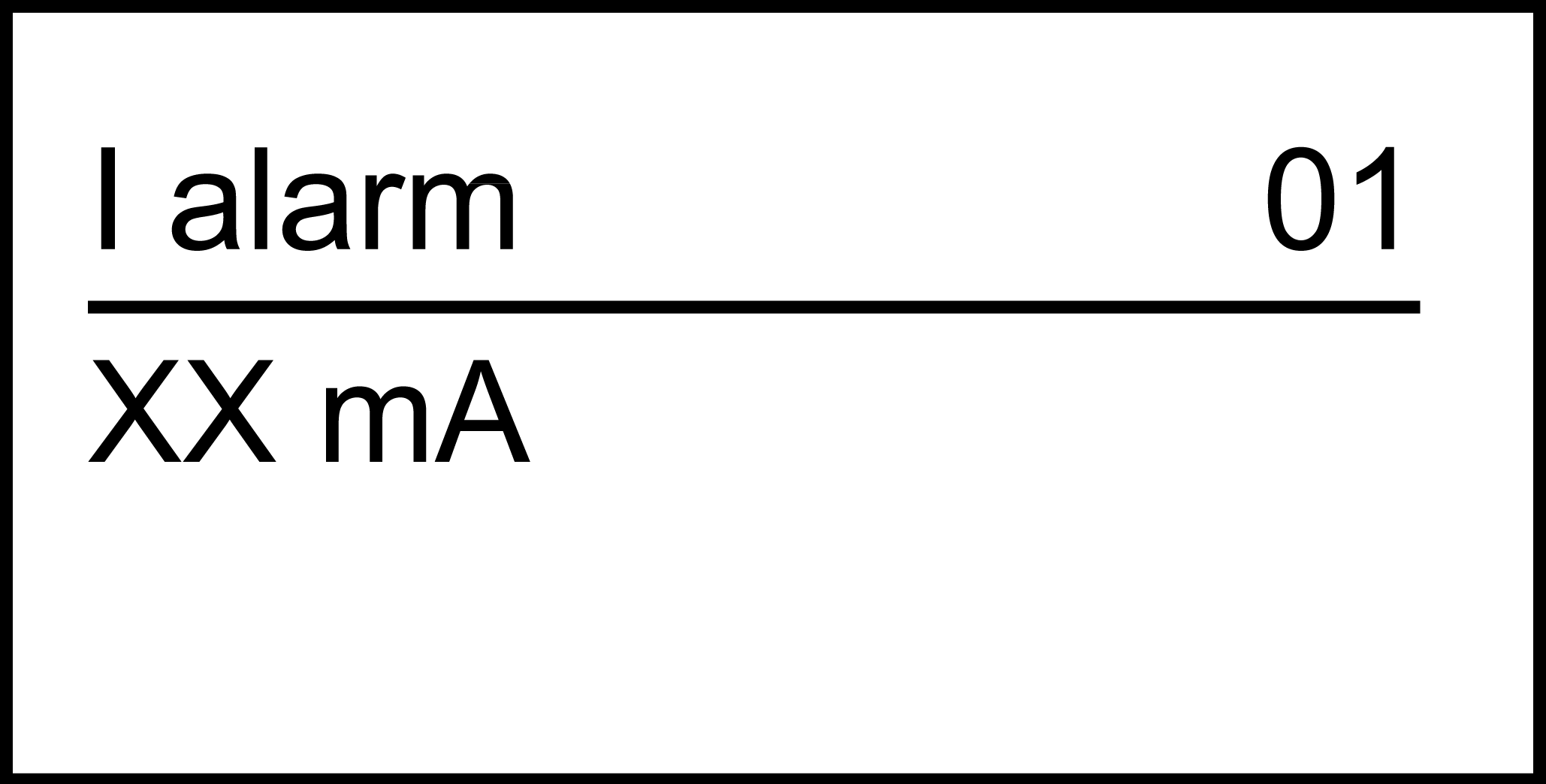
Settings Screen for Toroid Number 01

The screen allows you to set the following values:
-
: Alarm threshold
-
: Alarm time delay
-
: Pre-alarm threshold
-
: Pre-alarm time delay
The control signal is either instantaneous or delayed. It is possible to adjust the time delay for alarm and pre-alarm.
A password is required to enter the menu in order to modify the parameters.
Functional Parameter Settings
|
Parameter |
Description |
|---|---|
|
Alarm threshold |
Where,
NOTE: After the validation of the new alarm threshold
value:
|
|
Alarm time delay |
Where:
NOTE:
|
|
Pre-alarm threshold |
Where,
NOTE:
|
|
Pre-alarm time delay |
Where,
NOTE: The values between 0 and 60 ms are prohibited
(the setting values are: 0, 60, 70 to 4500 ms). The pre-alarm time
delay will be set to alarm time delay value automatically if the pre-alarm
time delay is above alarm time delay when alarm threshold and pre-alarm
threshold are equal.
|


All Toroids

allows to set I alarm, t alarm, I pre-alarm and t pre-alarm for all toroids at a time.
Toroid Selection

Selecting takes you to the previous toroid list.