

Pairing the IHC Interface with the Controller
To use the IHC Plugin for communication between the controller and the IHC Interface, you must first pair the IHC Interface with the controller.
Please make sure the complete wiring of your IHC system has been transferred properly to the SpaceLogic IHC Interface.
Follow these steps:
-
Open the IHC Plugin and in the PAIRING tab, click on the Start pairing button to access the pairing wizard.

-
Press and hold the reset button on the IHC Interface for 1 to 5 seconds until the LED turns solid orange. Then, press the button once.

-
Click Next.
-
On the wizard's next screen, the available IHC Interfaces for pairing will appear.
 NOTE: If no interfaces appear, click the Refresh button.
 -
Select the interface you want to pair and click the Pair device button. The status LED should start blinking orange.

-
Press the reset button on your IHC Interface to complete the pairing process.
After successful pairing, the IHC Interface’s LED will blink three times in green, then the IHC Interface will reset itself, causing the LED to flash red a few times.
It will then flash alternately green and red until it successfully connects to the controller.
Once connected, the LED will begin to flash slowly in green, indicating normal operation.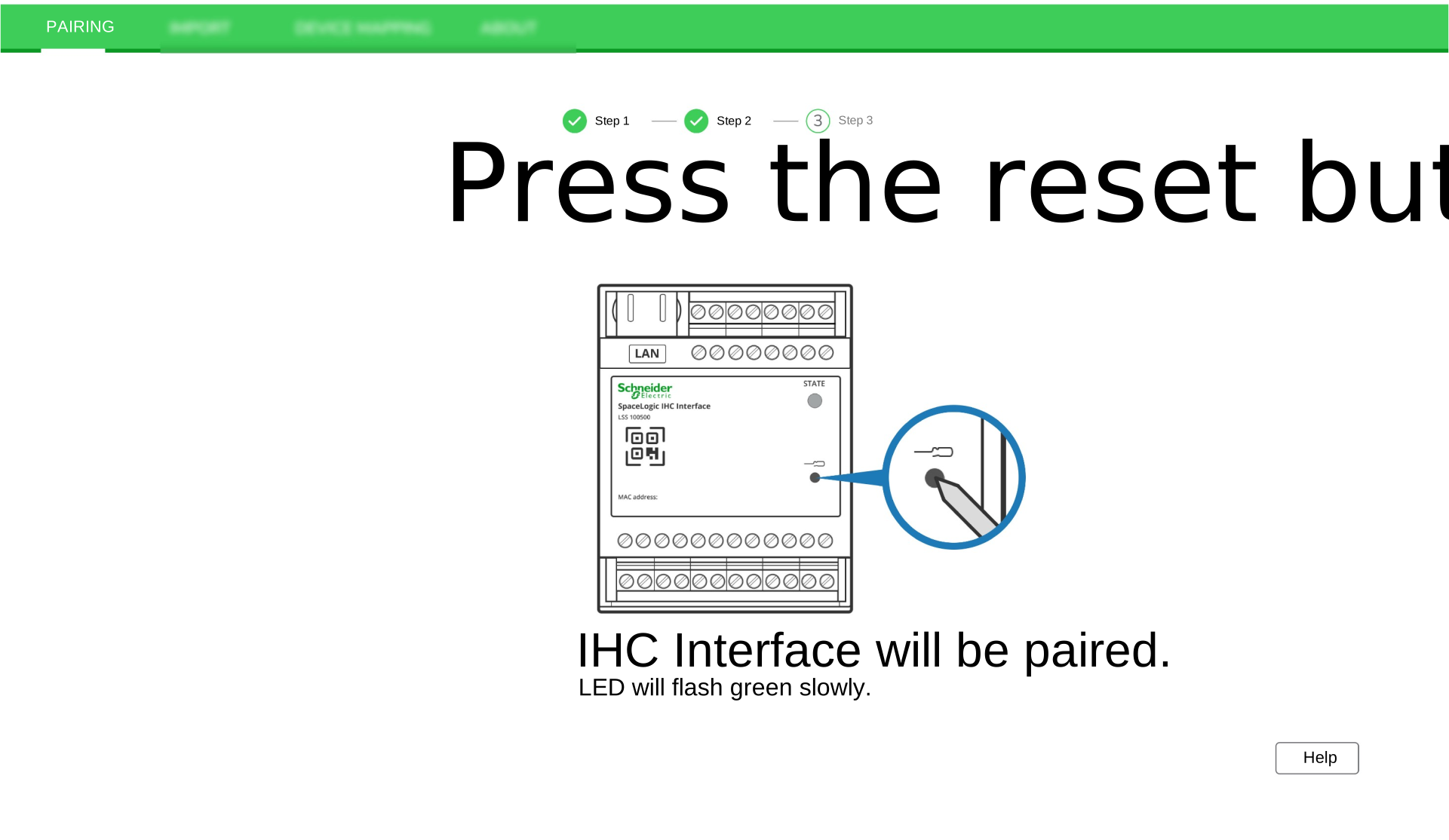
-
Once the message Pairing successful appears on the screen, the pairing has been completed successfully. Click the Done button.
